
Find out how to delete a user from workspace
If you added a team member/client by mistake or the user should no longer be part of the workspace, you can easily remove them.
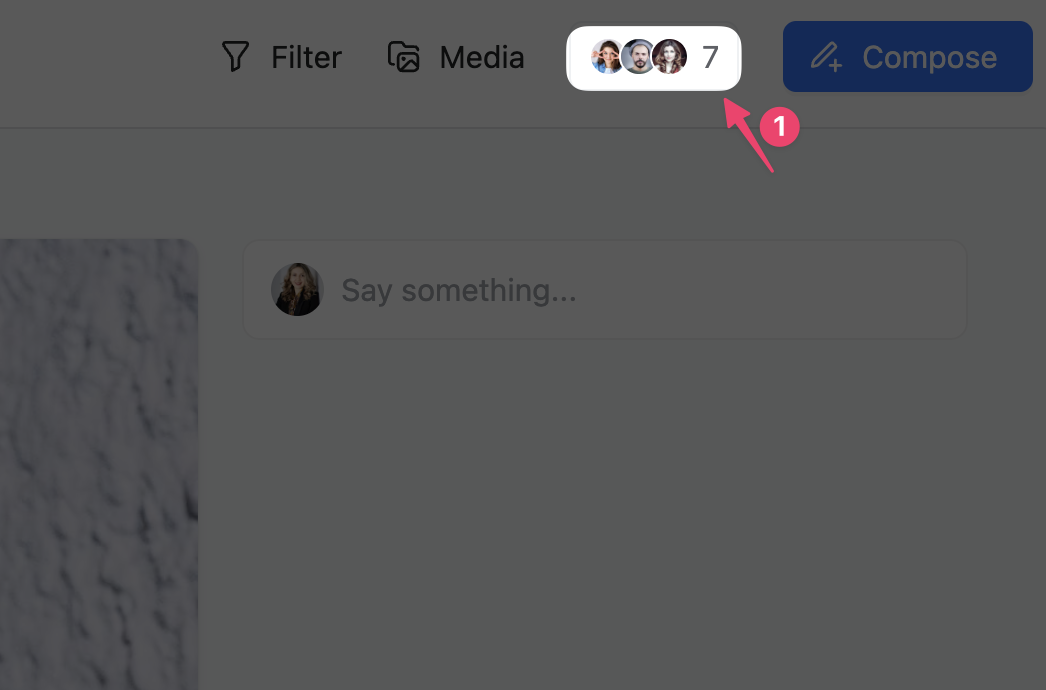
Go to the user settings (here are more details on this):
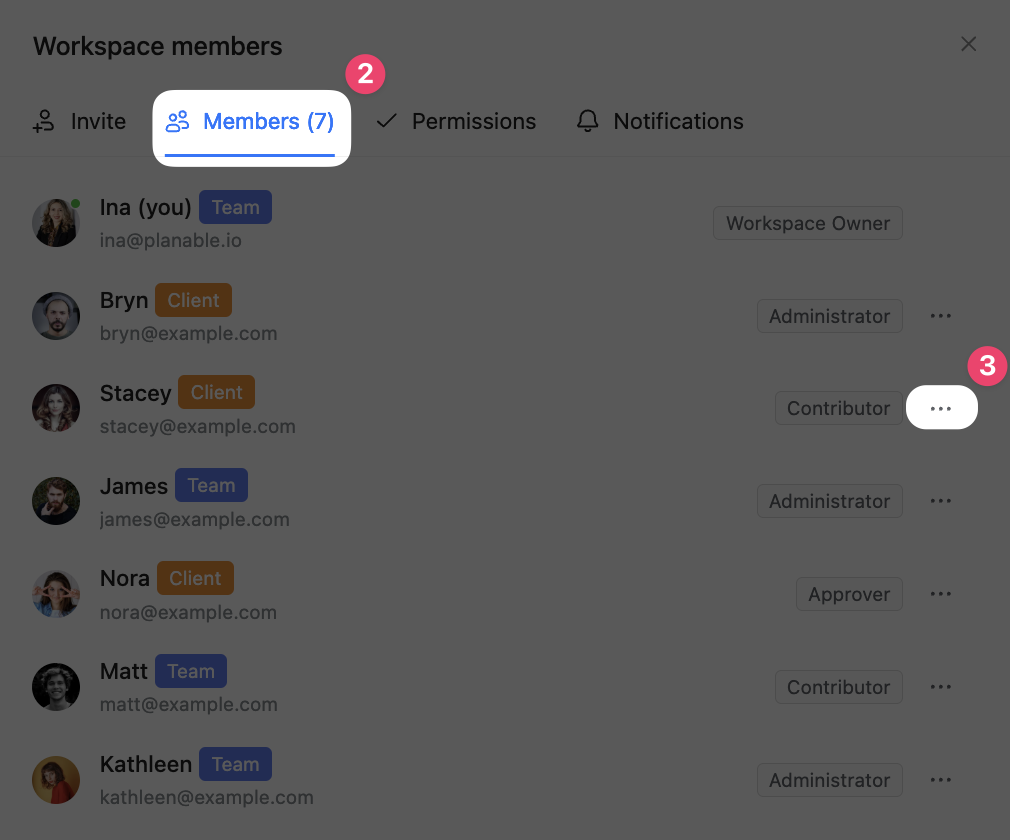
Find the "Members" section, then click the 3 dots options menu:
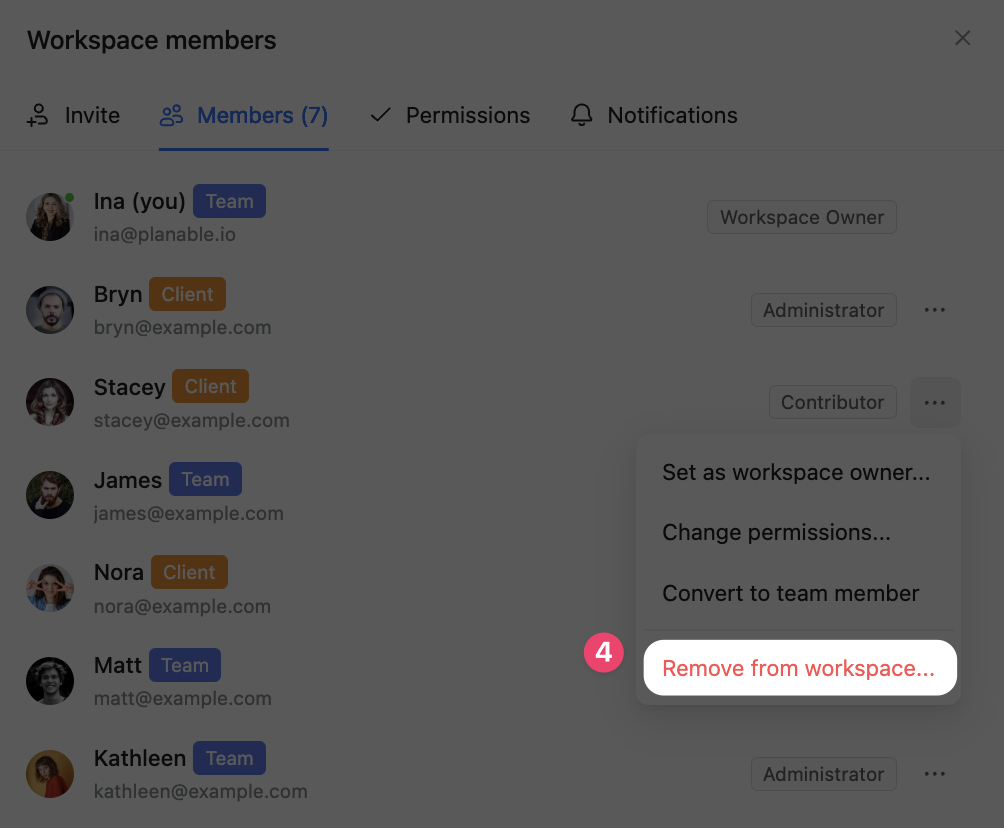
And finally select "Remove user":