
What is the approval request tab and how to use it
 12.42.51@2x.png"/>
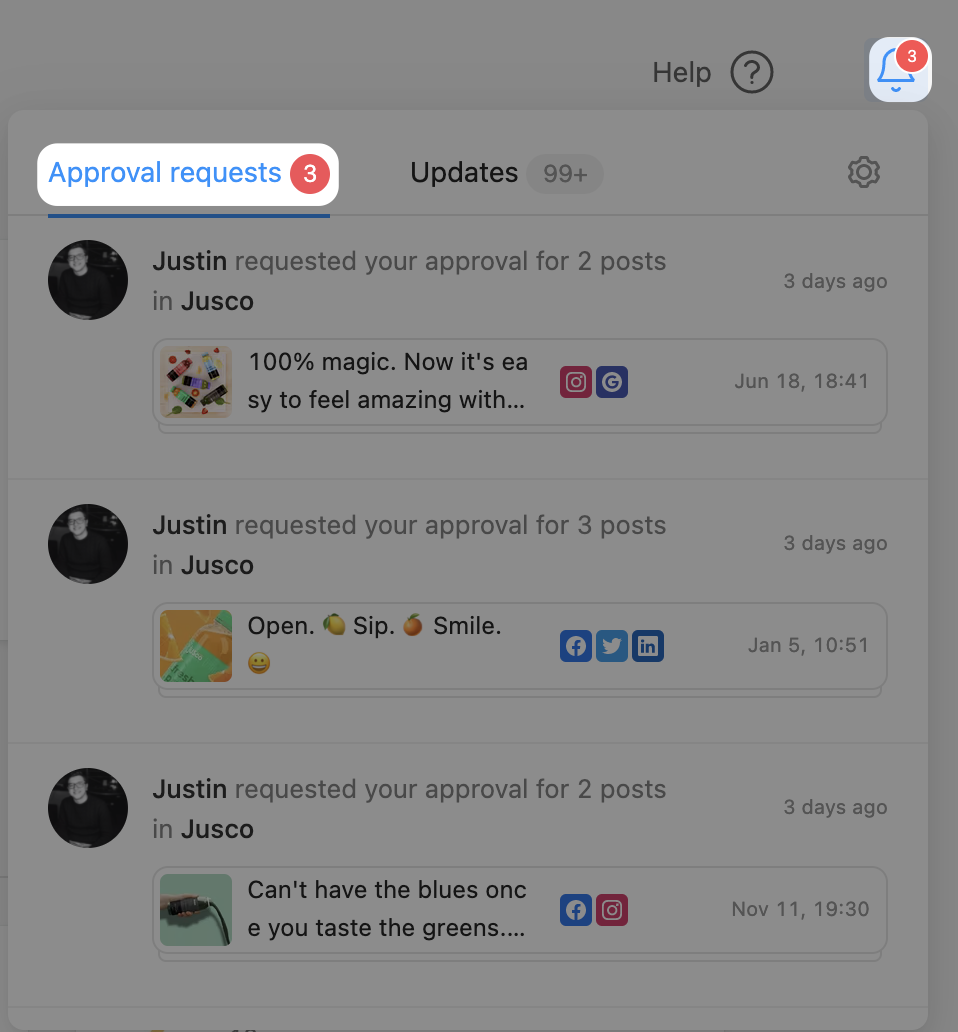
Posts across all workspaces awaiting approval can be found in a dedicated tab in the notification section in-app.
Click on each post to open it up, review and approve.
For posts to appear in this section, someone needs to “Request approval” from you.
You’ll see a quick preview of the post, as well as who requested your approval.
Start testing Planable 👇