
Find out how to save as draft to Facebook, if you're using alternative ways to schedule a post.
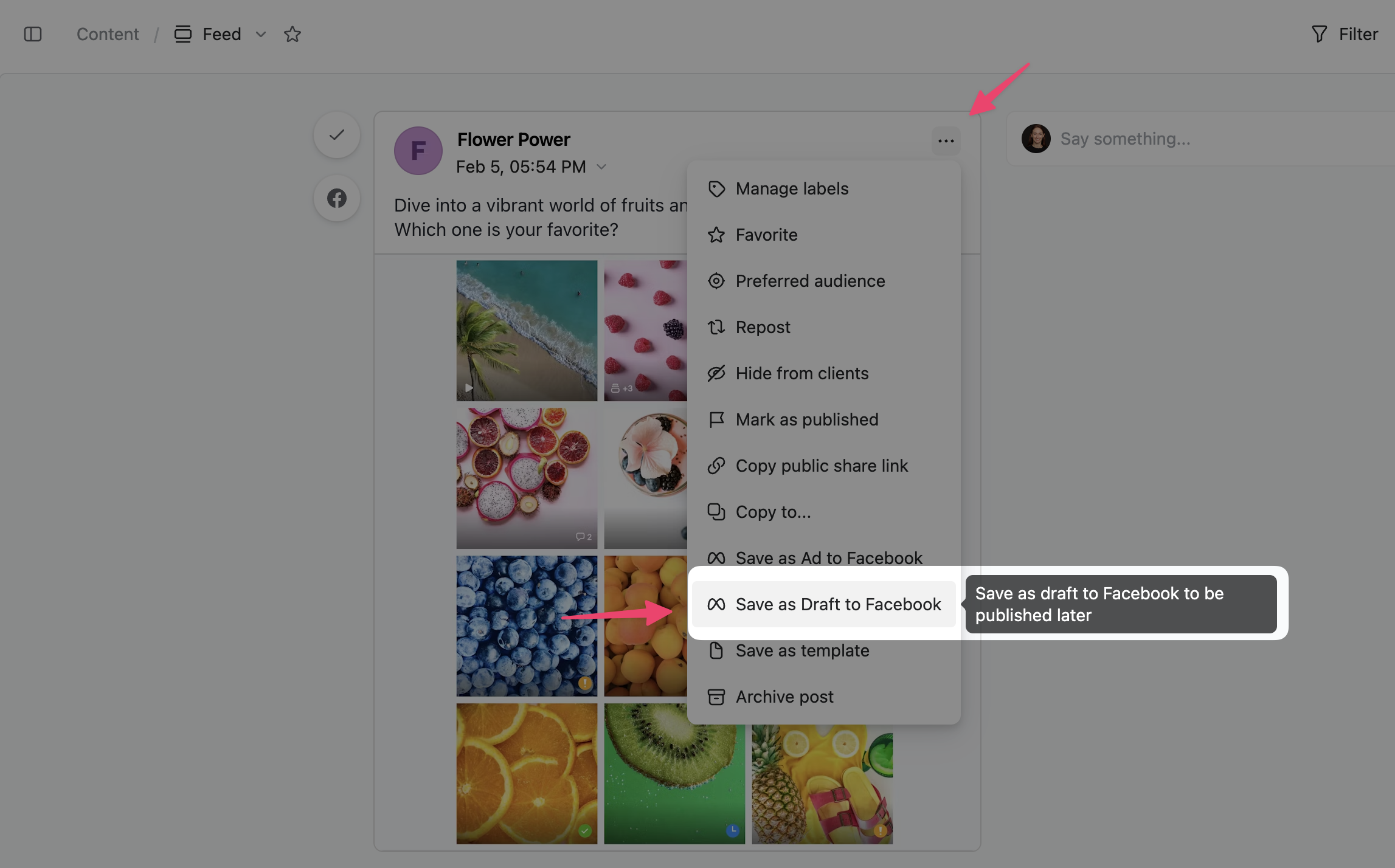
You can save Facebook posts created in Planable as a draft and send them to your Creator Studio. From there you'll be able to schedule, backdate, or publish them.
Click on the three dots on the Facebook post, and then choose the option that will send the post to the drafts section on your Creator Studio.
Try saving your Draft in Planable 👇
Don't have an account? Sign up, it's free →